
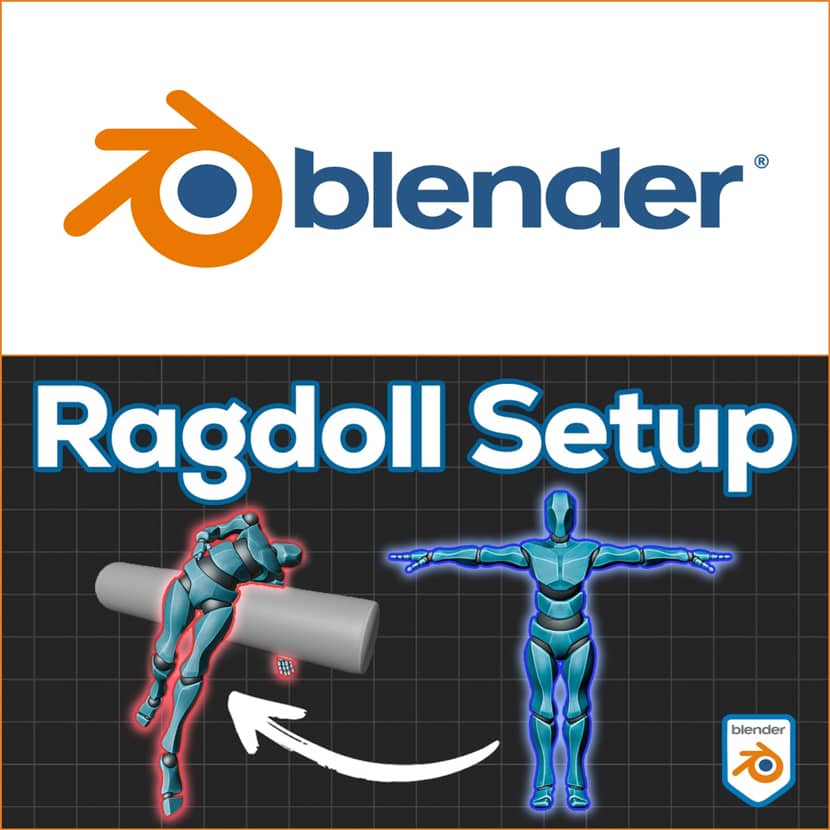
It's not necessary to have complicated rigging or technological difficulties to create plausible ragdoll physics in Blender. In order to enable realistic falls, impacts, and physics-driven motion with simple setup and complete control, iCity shows how to include a completely customized character into the iCrowds Ragdoll System in this lesson. This method produces dynamic simulations that are quick, reliable, and ready for production, whether they are used for VFX shots or dramatic crowd scenarios. Let's dive in!
Introduction.
In modern3D production, physics-driven motion is now crucial, particularly for crowd simulations, action scenes, and dramatic visual effects. With a focus on the improved Ragdoll System, iCity leads us through the entire process of adding a custom character to the potent Blender add-on iCrowds 2.0 in this video.
The video is a follow-up to the iCrowds 2.0 tutorial and dives deep into:
- Preparing a custom animated character
- Cleaning and fixing animation data
- Setting up the ragdoll system
- Connecting custom actions
- Scattering agents inside iCrowds
- Triggering physics reactions dynamically
The result? Fully controllable, realistic ragdoll behavior without complex manual rig setups.
What Is iCrowds?
iCrowds is a Blender add-on designed for advanced crowd simulations with procedural animation blending and physics-based interactions. The 2.0 update introduces a refined ragdoll system that allows agents to transition seamlessly between animated motion and dynamic physics simulation.
According to the official page, iCrowds offers:
- Procedural crowd motion
- Motion Flow system
- Action switching & triggers
- Dynamic ragdoll reactions
- Scattering and population tools
- Efficient workflow for large-scale scenes
This makes it especially useful for VFX shots, action scenes, architectural crowd visualizations and cinematic simulations!
Step 1 - Preparing the Custom Character.
The tutorial begins by importing a character from Mixamo with multiple animations (walk, run, idle, crouch).
Key Preparation Steps.
Before integrating into iCrowds, several crucial cleanup steps are required:
- Rename UV maps to avoid conflicts.
- Join all meshes into a single mesh.
- Remove unnecessary keyframes:
- Clear scale and rotation.
- Remove location movement (so animations run “in place”). - Fix scale issues in the Graph Editor:
- Delete hip bone scale keyframes.
- Apply scale properly (to avoid breaking animation data). - Rename animations clearly:
- custom_walk
- custom_run
- custom_idle
- custom_crouch
One critical rule: The main armature must NOT have an active action attached, or the system will break later.
This step ensures a clean foundation before introducing physics.
Step 2 - Setting Up the Ragdoll System.
Inside the iCrowds Dynamic Ragdoll system:
- The default agent groups are removed.
- The custom armature and mesh are assigned.
- Rotation limits are configured using Inverse Kinematics.
Bone Rotation Limits.
Proper rotation limits are essential for believable results:
- Knees should only bend forward.
- Arms must allow natural up/down motion.
- Hips and shoulders require realistic constraints.
- Over-rotation must be avoided.
Once configured:
- Generate the ragdoll mesh.
- Assign rigid body physics.
- Set bones to Animated.
- Adjust Rigid Body settings.
- Fine-tune fall behavior.
The system allows you to adjust rotation limits even after generation, offering flexibility during iteration.
Step 3 - Connecting Custom Actions.
After physics setup, animations must be properly assigned:
- Idle
- Walk
- Run
- Crouch
Each action is synced to its animation length. The system ensures transitions between animation-driven motion and ragdoll physics happen smoothly.
The armature is then added to the iCrowds system hierarchy.
Important cleanup step:
- Remove unused test actions.
- Apply rotation.
- Move the custom armature into a dedicated collection.
Now the system is ready to populate.
Step 4 - Populating and Scattering Agents.
With the Motion Flow system:
- Populate the scene.
- Adjust curve scale for movement paths.
- Trigger walking on distance.
- Add ragdoll triggers.
- Use passive rigid body planes for collisions.
The tutorial also demonstrates triggering a custom crouch animation using an object as a trigger. When agents reach the object:
- They switch animation.
- Physics takes over.
- Natural ragdoll collapse occurs.
The transition is fluid and production-ready.
Why This Workflow Matters.
The biggest takeaway from the tutorial is workflow efficiency. Instead of manually building complex ragdoll rigs:
- You reuse your existing armature.
- You define realistic rotation limits.
- You generate physics bodies automatically.
- You keep animations fully controllable.
- You trigger physics only when needed.
This hybrid animation + ragdoll approach gives you cinematic control without sacrificing realism. For VFX artists, ArchViz creators, and Blender professionals, this means:
- Faster iteration
- Cleaner simulations
- More believable results
- Scalable crowd setups
Best Practices Highlighted in the Tutorial.
To guarantee a robust and dependable ragdoll setup, a number of crucial best practices are highlighted throughout the lesson. To avoid animation corruption, scaling keyframes must be removed before applying any transforms. In order to fully integrate with the crowd system, animations must always run, and in order to prevent conflicts later in the pipeline, the main armature must remain motionless. For physical behavior to be plausible, genuine bone rotation restrictions must be specified, and the picture is kept tidy and manageable by grouping elements into distinct collections. Lastly, rotation should always be applied prior to system filling. Adhering to these guidelines ensures seamless simulation outcomes and avoids malfunctioning animation configurations.
Final Thoughts.
The evolution of Blender crowd technologies is exemplified by the improved Ragdoll System in iCrowds 2.0. Without the need for sophisticated rigging, the ability to incorporate completely customized characters into a physics-driven crowd simulation workflow opens up a world of creative possibilities. This approach enables dynamic, realistic motion with little setup complexity, whether you're creating a styled animation moment, crowd panic scene, or cinematic crash sequence.
iCrowds provides an appealing alternative inside Blender for artists looking for more realism in crowd animation without sacrificing creative flexibility.
🎥 Watch the full video by iCity's custom ragdoll way in Blender using iCrowds add-on!
About iCity.
iCity is a 3D tools developer focused on creating powerful, artist-friendly solutions for Blender users. The team enables creators to efficiently and clearly create sophisticated crowd simulations, procedural animation systems, and physics-driven effects with tools like iCrowds and comprehensive step-by-step instructions. Their instructional materials focus on useful workflows, tidy setups, and production-ready methods, enabling artists to confidently transition from experimentation to polished outcomes.